Cloud solution for home data sharing and backup
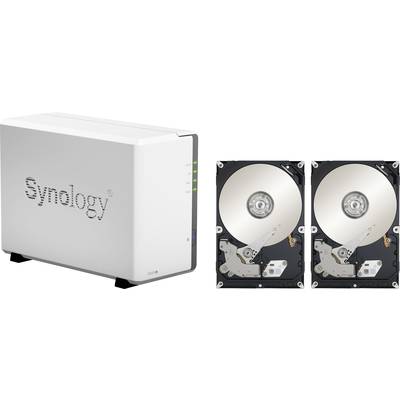
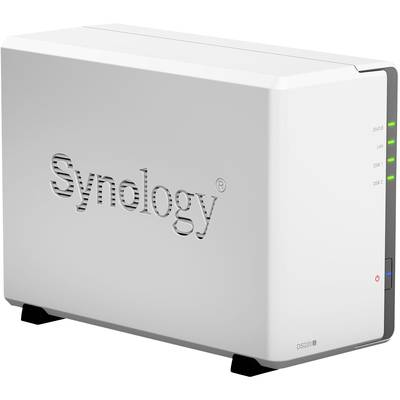
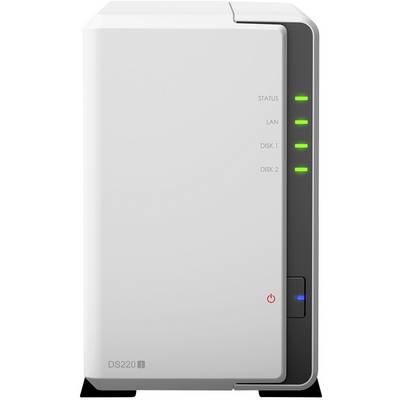
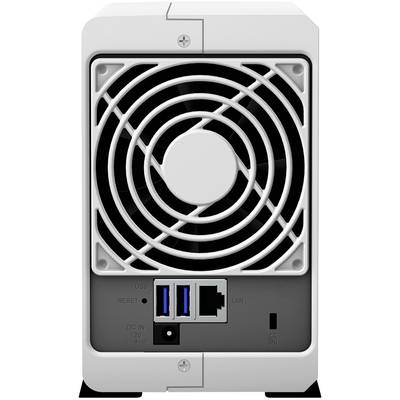
The Synology DiskStation DS220j is an introductory NAS solution with 2 slots for your household, with which you can easily store and share photos, videos, documents and other personal data of all kinds. This private cloud solution offers comprehensive and easy-to-use ways to back up your data and photos in just a few clicks.
Consumer private cloud solution available 24 hours a day
Put an end to cumbersome USB drives. The Synology DS220j is a beginner NAS solution and supports RAID 1 configuration, which protects against data loss in case of drive failures. The DS220j consumes only 12.46W for access and 5.06W with activated HDD hibernation mode and is thus the ideal low-cost and energy-saving storage server for operation around the clock. Thanks to lightning-fast data transfer with over 112 MB/s sequential read and Schreiben2, the members of your household can easily store, share and back up data at any time, whenever they want.
Powered by Synology DiskStation Manager (DSM)
DSM is a web-based operating system that provides private cloud services. It is designed to simplify the day-to-day management of your tasks. The multi-tasking web interface allows you to launch multiple applications simultaneously from a browser tab and seamlessly switch between them. The intuitive DSM enables you the effortless configuration of the storage capacity, gives you the full control of your personal cloud and lets you access your Synology NAS from everywhere.
In the integrated package center, you can download and install packages designed for different user needs, such as sharing files in the cloud, sharing photos in an online album, or setting up a VPN environment. Tasks can be completed in just a few clicks.
Cross-platform file sharing and data synchronization
The Synology DS220j supports numerous network protocols and thus enables the seamless exchange of files between Windows®, MacOS® and Linux® systems. Cloud Sync synchronizes your data stored in Dropbox, Google™ Drive, Microsoft® OneDrive, Baidu and Box with your personal DiskStation at home. With Synology Drive you can synchronize files on different computers and mobile devices and keep everything up-to-date without any problem. The DS220j combines seamless file sharing with high security, including HTTPS support, an integrated firewall, and various mechanisms for automatic blocking of IP addresses and attacks on accounts.
Your personal multimedia library
The DS220j makes it easy to manage and share your multimedia content. With Video Station, you can organize your personal digital video library with comprehensive media information. Audio Station supports Internet radio, lossless audio format and enables music playback via DLNA and AirPlay® devices. The intuitive design of Photo Station enables professional photographers to easily organize photos in user-defined categories and smart albums and link photos to social networks with just a few clicks. Moments is the brand new photo solution for home users and offers a contemporary user experience with mobile photo security, photo sharing, image recognition and recognition of similar photos.
Available anywhere, anytime
Synology offers mobile apps, with which you can enjoy your multimedia library anytime and everywhere. DS photo, DS audio, DS video and DS file are available for iOS and Android™ and enable mobile access to your Synology NAS via Photo Station, Audio Station, Video Station and File Station. With QuickConnect, you can connect to your Synology NAS via a secure and individual address and thus immediately access media and work files.
Easy data backup
Synology Hyper Backup enables the backup of several file versions with incremental data protection at the block level and deduplication across versions. The solution optimizes storage usage and enables backup to various destinations, such as local shared folders, external hard drives, network shared folders, rsync servers, and public cloud services.
Synology Drive Client enables the backup of important folders on your computers in real time or according to schedule and thus protects against accidental deletion and threats by Ransomware.
This text is machine translated.