Dell P2418HT Touchscreen EEC: D (A - G) 61 cm (24 inch) 1920 x 1080 p 16:9 6 ms VGA, DVI, DisplayPort, USB A (USB 2.0),


Dell P 2418 HT Touch screen Monitor
Highlights & Details
- Screen size 61 cm (24 inch)
- 1920 x 1080 p
- Interfaces: VGA, DVI, DisplayPort, USB A (USB 2.0), USB A (USB 3.2 1st gen)
- Response time: 6 ms
Technical specifications
- Product type
Touchscreen
- Image format
16:9
- Response time
6 ms
- Contrast ratio (dyn)
8000000 : 1
- Static contrast ratio
1000 : 1
- Brightness
250 cd/m²
- Hor. viewing angle
178°
- Vertical viewing angle
178°
- Panel technology
IPS LCD
- Dot pitch
0.275 mm
- Wall mounting option
100 x 100 mm VESA standard
- Factory colour
Black
- Features
Touchscreen
Full HD
Height adjustable
- No. of DVI ports
1 x
- No. of HDMI ports
0 x
- No. of MiniDPs
0 x
- No. of Thunderbolt IFs
0 x
- No. of USB ports
4 x
- No. of VGA ports
1 x
- Interfaces
VGA
DVI
DisplayPort
USB A (USB 2.0)
USB A (USB 3.2 1st gen)
- No. of DisplayPort
1 x
- Width
538 mm
- Height
323 mm
- Depth
235 mm
- Dim
(W x H x D) 538 x 323 x 235 mm
- Weight
3.12 kg
- Height-adjustable to
90 mm
- Display type
Touch colour display
- Display size
24 inch - 29 inch
D (A - G)
- Display
61 cm (24 inch)
- Resolution (max.)
1920 x 1080 p
- Screen resolution
Full HD (1920 x 1080 Pixel)
- Display (cm)
61 cm
- Screen size diagonal (inches)
24 inch
13 kWh/year
- Power consumption (off)
0.3 W
- Power consumption (ON)
20 W
- Frame rate
60 Hz
- Eco badge reference
TCO-certified
Documents & Downloads
Datasheet
Datasheet 1611794 Dell P2418HT Touchscreen EEC: D (A - G) 61 cm (24 inch) 1920 x 1080 p 16:9 6 ms VGA, DVI, DisplayPort, USB A (USB 2.0),
User & Safety Instructions
User & Safety Instructions 1611794 Dell P2418HT Touchscreen EEC: D (A - G) 61 cm (24 inch) 1920 x 1080 p 16:9 6 ms VGA, DVI, DisplayPort, USB A (USB 2.0),
Description
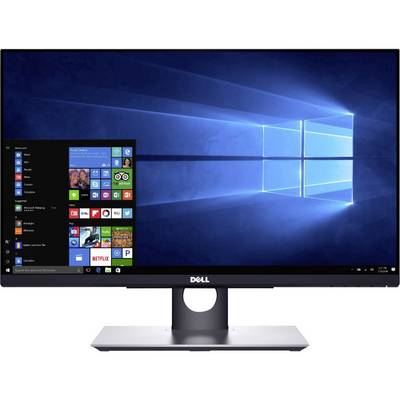
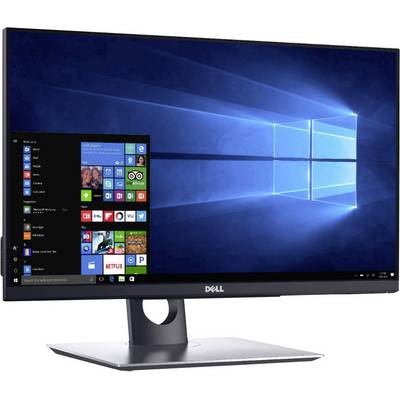
Intuitive touch function: The Touch operation with ten fingers offers a natural and responsive experience and makes a completely uncomplicated operation with your finger. Experience thanks to beidhandiger touch operation a smooth navigation on the reflection poor, borderless screen.
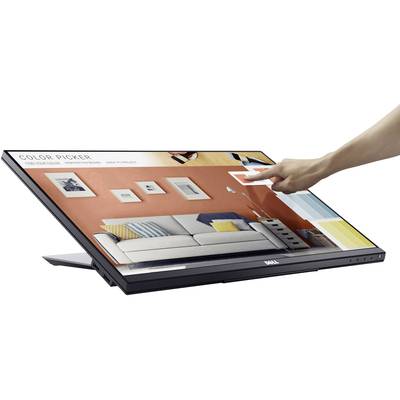
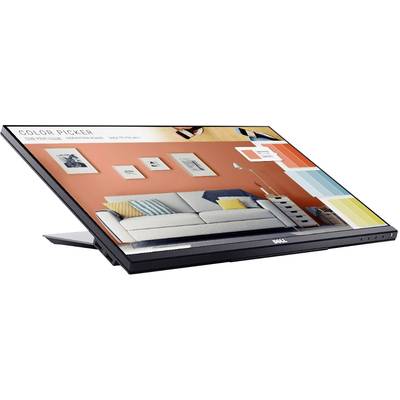
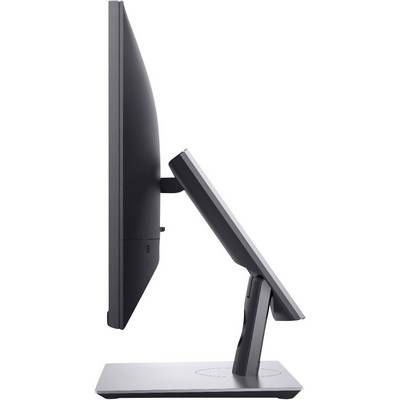
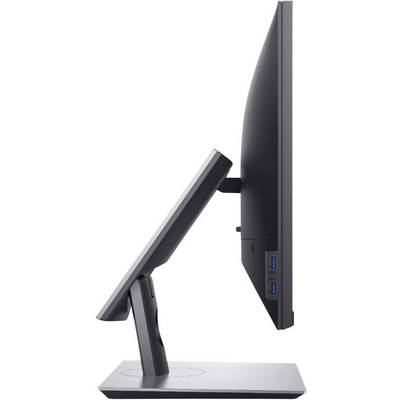
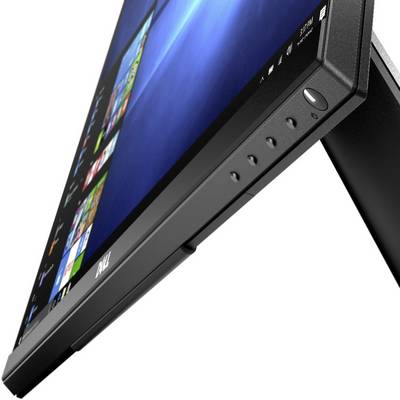
Extensive setting options: a joint stand allows a transition from conventional desktop PC mode for powerful touch alignment at an angle of 60° downwards. It also offers extended tilt function and swivel adjustment functions for optimum adjustment of the screen to your task or a comfortable position. A cushion provides protection against impacts, if the stand is completely retracted.
Clear view: The modern Advanced In-Cell Touch technology makes a glass screen, like this in conventional monitors, superfluous and offers a low-reflection surface, which reduces distracting reflections and fingerprints. The result is a smooth display with improved clear vision, the eyes.
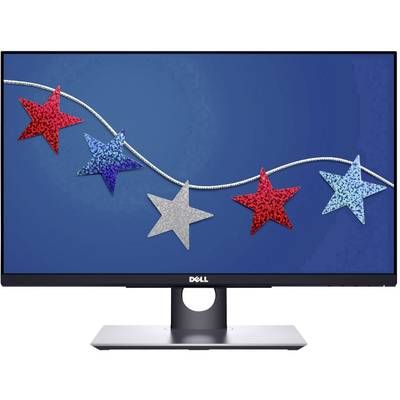
Seamless display: an ultra-slim panel is a stylish and elegant possibility for a free view when working with multiple monitors.
Excellent user-friendliness
Impressive picture quality: Full HD resolution and a dynamic contrast ratio of 8 million:1 provide for an excellent picture quality. Viewing angle of 178°/178° and In-Plane Switching technology enable consistent colors and effective cooperation.
Working in comfort: you benefit from a low-reflection, flicker-free screen with comfort View™, a function, the harmful blue light emission reduced. With TÜV-Zertifizierungi.
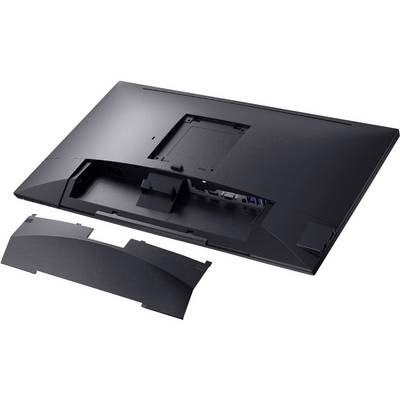
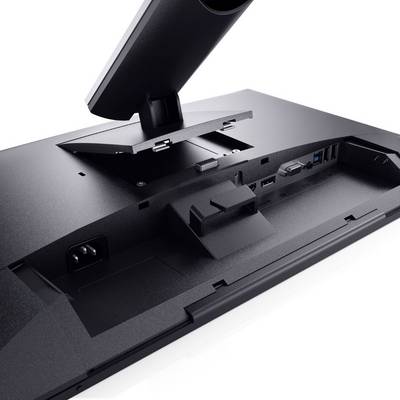
Wireless flexibility: the sophisticated cable management system enables a cooperation on an organised workplace. The cable management sees to it that no cables in the way, if your monitor stand is retracted. Connection ports are covered by a cable cover.
Improved efficiency on a working day
Multi-tasking: Thanks to the Dell Display Manager Software you benefit from the multi-tasking and can save time. Quick Install and view applications side by side thanks to the easy Arrange-Funktion. Customize and preset the color settings of your applications with auto mode.
Connection Ports: Comprehensive connection ports such as VGA, DP, HDMI, USB 3.0 and USB 2.0 allow easy connection to a variety of devices.
Ideal for multiple layouts: adaptation to different office room concepts thanks to VESA-compatibility. Bring your monitor on the wall or to the monitor arms and take advantage of a more flexible work place.
This text is machine translated.
Scope of delivery
- Cable
- Quick guide.