Change the way you work
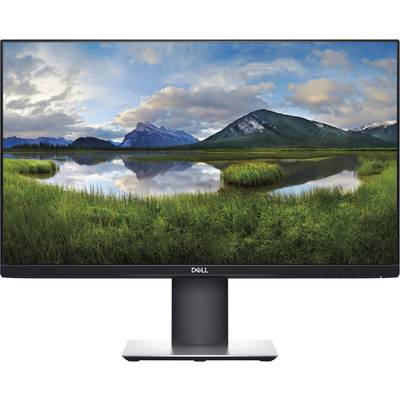
Optimize your working area with this 23.8" monitor with C-USB connectivity, a small footprint and productivity-enhancing features.
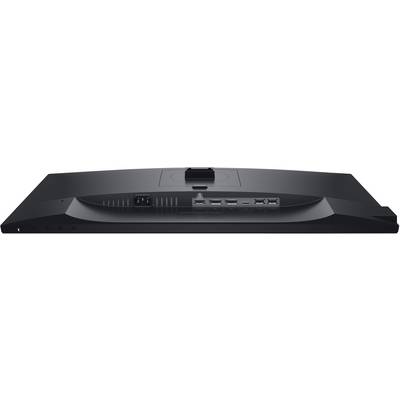
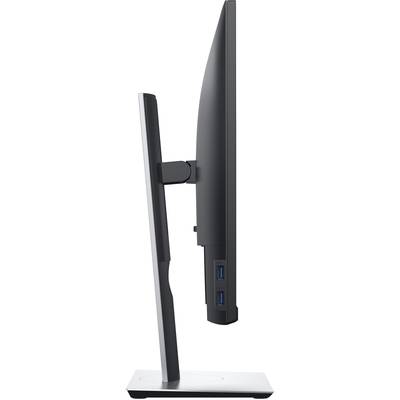
Ultimate connectivity: With the help of the accompanying C-USB cable makes it easier than ever, current, to transfer data, audio and video.
You can increase your productivity: Thanks to the small monitor base and a variety of multi-tasking capabilities, you can optimally use the available desk surface.
On their way to cut: the adjustable stand and comfort view give you the flexibility and the focus, which you need, in order to be able to accomplish more.
All in one: Thanks to the included USB-C-cable, a cable solution for the transmission of power, data, video and audio, you can enjoy a work desk without the cable mess.
Great comfort in a cable: Download simply via the USB-C-cable to the same cable that connects your device to the monitor. If your device with up to 65W 1 current charging, protect it at the same time with the built-in surge protection from Dell.
Productivity Through connections: simple chain of up to two FHD monitors with DisplayPort 1.2 output. (The two monitors in the picture above are on the Dell stands for two monitors - MDS 19 mounted which is available separately.)
Smooth Transitions: Thanks to the C-USB connectivity, you can change various laptops or seamlessly between users - ideal for shared workspaces.
Increase your productivity
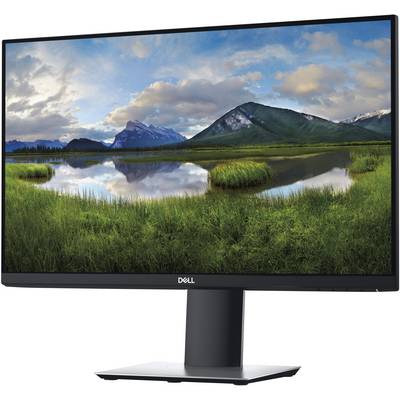
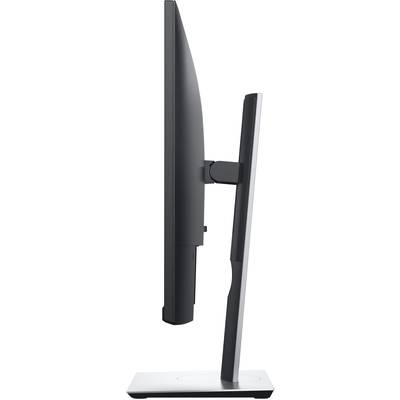
More room to work: thanks to a thin profile and the smallest monitor base in its class 2 you can free up valuable space on your desk.
More efficient working: The three-sided, ultra-thin frame allows you an uninterrupted view of your content across multiple monitors. And with two monitors, you can increase your productivity by up to 18%.
More Ways For Multitasking: you can work comfortably over several screens across and select with the easy arrangement function in the Dell Display Manager software pre-defined templates. With the function "Automatic Recovery", which can be recalled, where you left off, you can easily arrange your applications and faster back to work.
Consistent and rich colors: a wide viewing angle, thanks to in-plane switching technology vibrant colors - no matter where you sit.
Tailored to your way of working
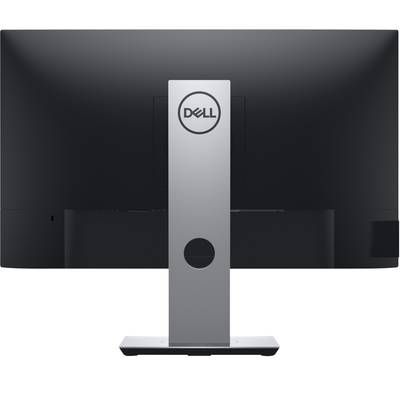
Tidy and clear: you can concentrate on your work and hide cable mess thanks to the improved cable routing.
Easy on the eyes: This TÜV 4-certified monitor has a flicker-free screen with comfort view, a function, the harmful blue shares is reduced. In this way, the friendly to eyes even in case of longer viewing times are optimized.
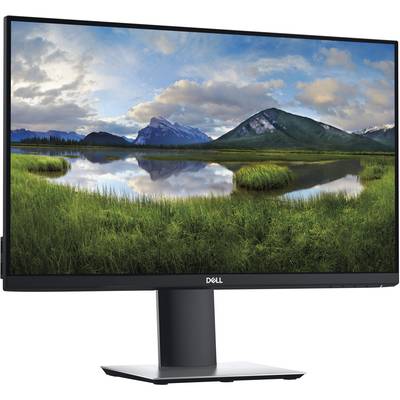
Set on your comfort: rotate it, tilt, swivel and adjust the height of the monitor, so that you can work comfortably throughout the day. Or you can select from a variety of brackets and stands, including VESA, for more flexibility
This text is machine translated.