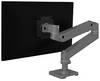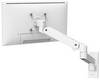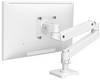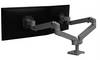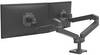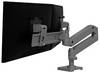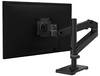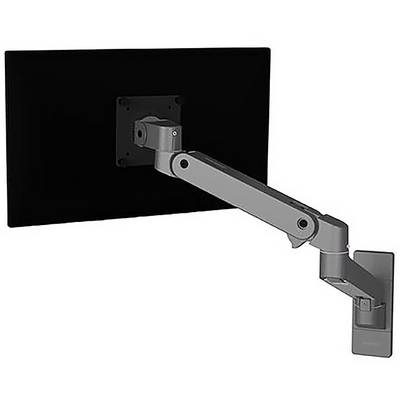
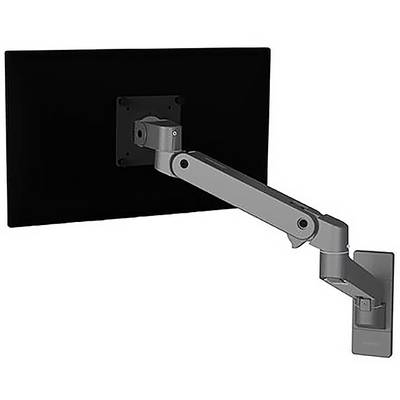
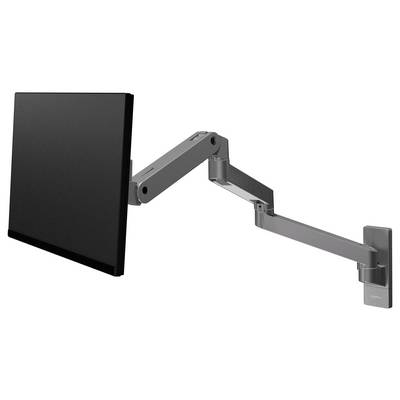
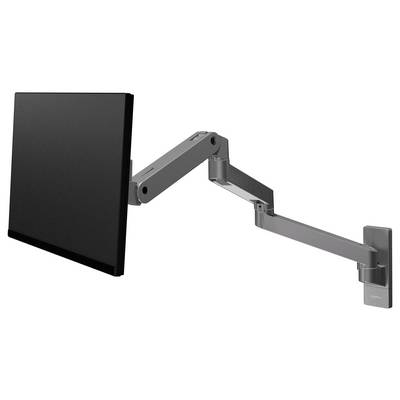
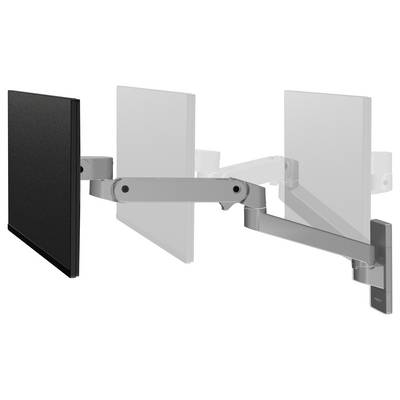
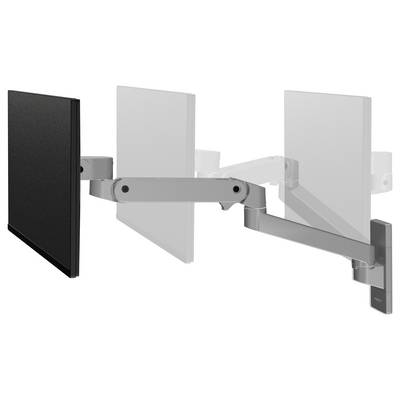
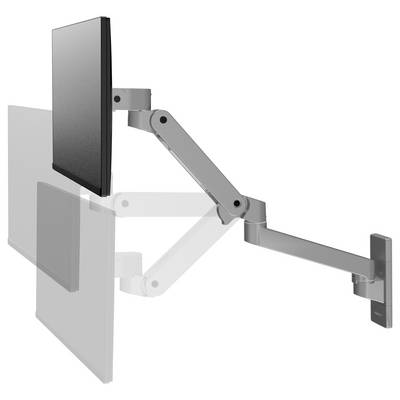
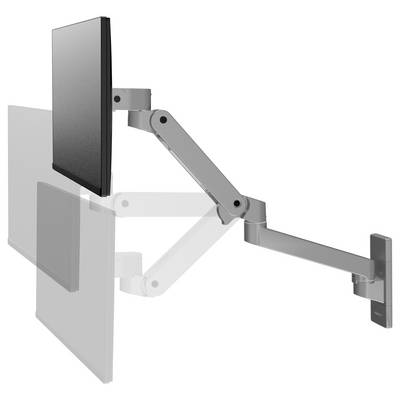
Ergotron LX Pro series 45-683-293 flat screen table bracket 86.4 cm (34") wall Dark gray
Highlights & Details
- Maximum weight capacity 10 kg
- Maximum screen size: 86.4 cm (34")
- Number of display supported: 1
- Mounting type: Wall
- Maximum VESA-bracket 100 x 100 mm
- Height adjustment Inclination adjustment
- Improved cable management
- Aluminium Dark Grey
Technical specifications
- Maximum screen size: 86.4 cm (34")
- Table thickness (max.) 6 cm
- Tilt angle range -70 - 15°
- Colour: Dark gray
- Product type
Monitor wall mount
- Suitable for
86,4 cm (34")
- Add-on displays
1 Display(s)
- Holder type
Height-adjustable
Tiltable
No
- Max. load capacity
10 kg
No
100 x 100 mm
- Rotation
360°
- Tilt range (bottom)
15°
- Tilt range (top)
70°
- Swivel range (left)
180°
- Swivel range (right)
180°
- Width
200 mm
- Height
100 mm
- Depth
250 mm
- Factory colour
Grey
- Material (details)
Aluminium
- Weight
2.59 kg
- Dim
(W x H x D) 200 x 100 x 250 mm
- Suitable for
86,4 cm (34")
- Supported monitors
1
- UKCA
yes
- Height adjustment range
0 - 330 mm
- Height adjustment
yes
- Desk thickness (min)
1 cm
- Quantity per pack
1 Stück(e)
- Adjustable depth
yes
- Pan range
0 - 360°
- Turn angle
360°
- Cable management
yes
- Extension arm (max)
64 cm
- Rotating
yes
- Package weight
3.67 kg
- Pivot angle
0 - 180°
- Mounting kit
yes
- Tilt adjustment
yes
Documents & Downloads
User & Safety Instructions
User & Safety Instructions 3395381 Ergotron 45-683-293 Monitor wall mount 1 Display(s) 86,4 cm (34") Grey Height-adjustable, Tiltable
Description
Experience the perfect mix of performance and functionality with the new LX Pro monitor arm – a further development of the industry-leading LX design.
This text is machine translated.
Features
- Increase your comfort : More movement with less effort for superior ergonomic positioning
- Increase productivity : Raise, tilt and rotate your monitor for a perfect view, so you can concentrate on the essentials
- Modular Architecture : Flexible design and additional accessories for each configuration
- Maximise your workspace : Places the screen where it is needed and stores it within 10 cm (4") of the wall
- Protect the surrounding surfaces : A built-in rotation stop prevents the arm from hitting the wall
- Easy to install : Fewer parts and intuitive setup make setup a snap