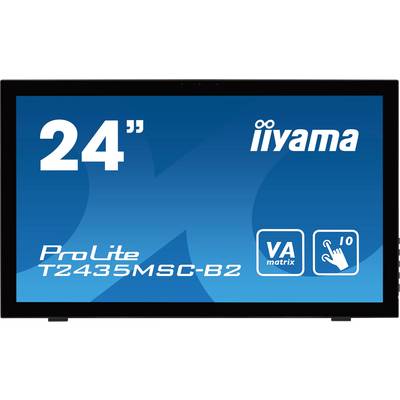
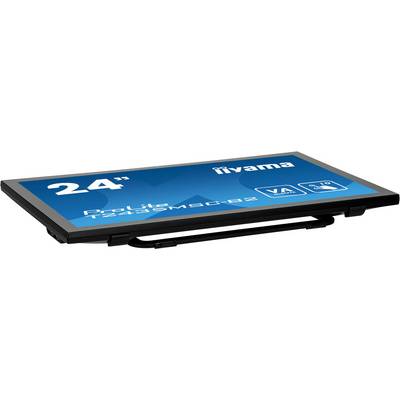
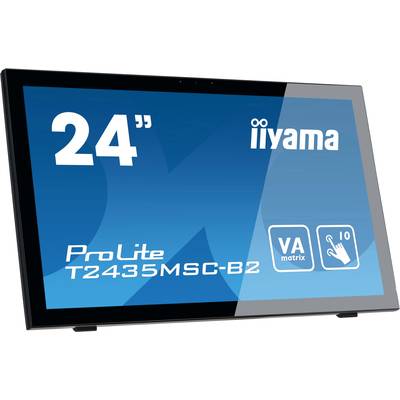
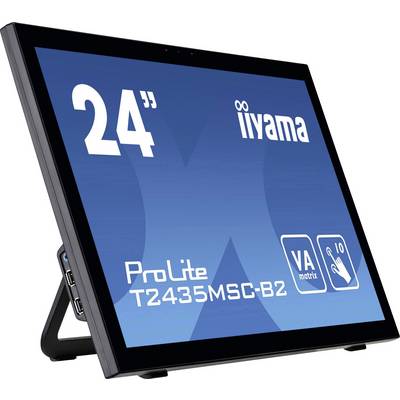
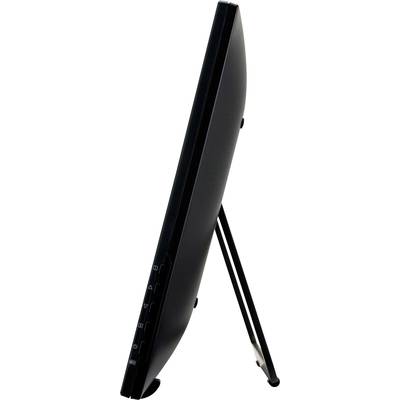
Iiyama ProLite T2435MSC Touchscreen EEC: F (A - G) 59.9 cm (23.6 inch) 1920 x 1080 p 16:9 6 ms USB A (USB 2.0), HDMI™, D

Iiyama T 2435 MSC-B2 65.3 cm (23.6 inch) Touch Monitor
Highlights & Details
- Screen size 59.9 cm (23.6 inch)
- Energy efficiency rating (calc): F (A - G)
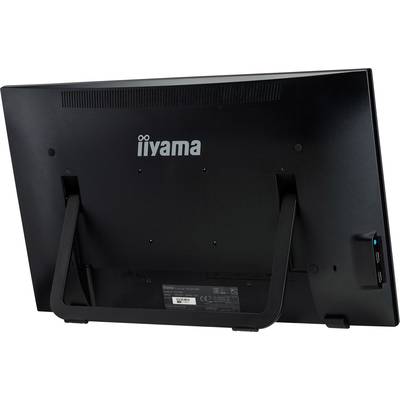
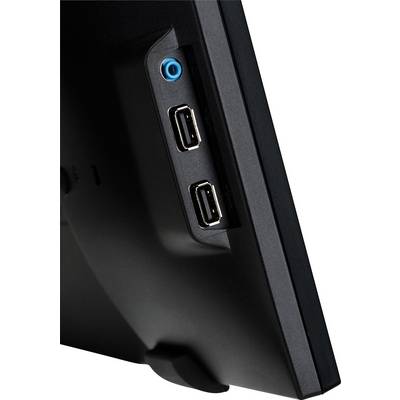
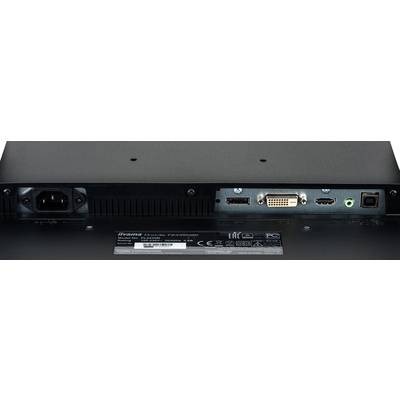
- Interfaces: USB A (USB 2.0), HDMI™, DVI, DisplayPort;Response time: 6 ms;Touchscreen, Headphone jack, Built-in webcam, Built-in speakers
Technical specifications
- 65.3 cm (24")/base can be swivelled
- Product type
Touchscreen
- Image format
16:9
- Response time
6 ms
- Contrast ratio (dyn)
12000000 : 1
- Static contrast ratio
3000 : 1
- Brightness
215 cd/m²
- Hor. viewing angle
178°
- Vertical viewing angle
178°
- Panel technology
VA LED
- Dot pitch
0.272 mm
- Wall mounting option
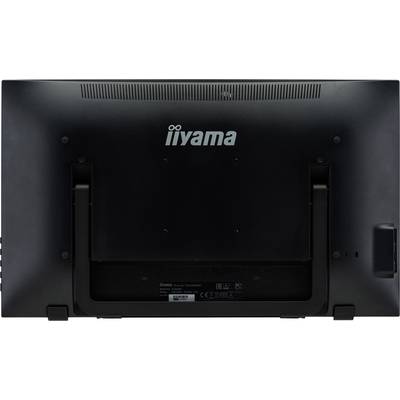
100 x 100 mm VESA standard
- Factory colour
Black
- Features
Touchscreen
Headphone jack
Built-in webcam
Built-in speakers
- No. of DVI ports
1 x
- No. of HDMI ports
1 x
- No. of USB ports
2 x
- Interfaces
USB A (USB 2.0)
HDMI™
DVI
DisplayPort
- No. of DisplayPort
1 x
- Width
571 mm
- Height
348 mm
- Depth
45 mm
- Dim
(W x H x D) 571 x 348 x 45 mm
- Weight
6.2 kg
- Power consumption (standby)
0.5 W
- Display type
Touch colour display
- Display size
24 inch - 29 inch
F (A - G)
- Display
59.9 cm (23.6 inch)
- Touchscreen (display)
Yes
- Resolution (max.)
1920 x 1080 p
- Screen resolution
Full HD (1920 x 1080 Pixel)
- Display (cm)
59.9 cm
- Screen size diagonal (cm)
59.94 cm
- Screen size diagonal (inches)
23.6 inch
35 kWh/year
- Power consumption (ON)
24 W
- Range of uses
Home
- Display resolution mode
Full HD
- UKCA
yes
Documents & Downloads
Datasheet
Datasheet 1487353 Iiyama ProLite T2435MSC Touchscreen EEC: F (A - G) 59.9 cm (23.6 inch) 1920 x 1080 p 16:9 6 ms USB A (USB 2.0), HDMI™, D

User & Safety Instructions
User & Safety Instructions 1487353 Iiyama ProLite T2435MSC Touchscreen EEC: F (A - G) 59.9 cm (23.6 inch) 1920 x 1080 p 16:9 6 ms USB A (USB 2.0), HDMI™, D

Description
Touch technology - Capacitive
This technology uses a sensor network of micro-fine wires are integrated in the glass surface. Touch the disc, and electrical signals changed and as a result of this, the touch position is calculated and presented to the controller. The glass surface of this technology is extremely long-lasting the touch functionality remains unaffected, even if the glass is scratched. It offers a perfect image playback and can be used with the fingers (even with gloves) or magnetic pins can be controlled.
VA PANEL
The VA panel technology offers a high contrast and good color brilliance with a much larger viewing angle than with the standard TN panel technology.
Speaker and headphone
If you want to play with friends? Use the integrated high-quality speaker. If you want to disturb anyone? Connect your headphones to the headphone jack and turn the volume high.
Scratch-resistance
The scratch-resistance is essential important for touch solutions for public places and schools. This is achieved through a glass plate on the screen. It guarantees a long service life of the touch function and even more important, the Touch function remains unaffected, even if the glass get scratched.
Blue light reducer
As we all know, caused the long working at the screen (especially from short distance) an eye strain. This effect is the PC monitors stronger than in the television. One of the factors for this phenomenon is the blue light part of the screen. The decrease in the blue light share, the emitted makes it possible that our eyes feel less tired. We achieve this by adjusting the brightness of the monitor and the color temperature with the new "Blue light" function, the reducer via the OSD menu of the monitiors light switch on.
This text is machine translated.
Scope of delivery
- Cable
- Quick guide.


