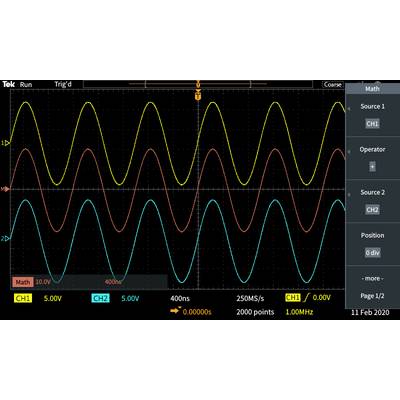
The digital storage oscilloscope of the series TBS1000C offers economical performance in a compact design. It has been specially developed to meet the needs of modern educational institutions, development engineers for embedded design and manufacturers. The device has a 7" WVGA color display with a sampling rate of up to 1 GS/s, bandwidths in the range from 50 MHz to 200 MHz.
The device comes with an innovative course documentation system that complements the lab exercises with step-by-step instructions for the participants. HelpEverywhere® provides useful tips and tips throughout the user interface to make it easier for new users to access the device.
So that you can learn and work faster
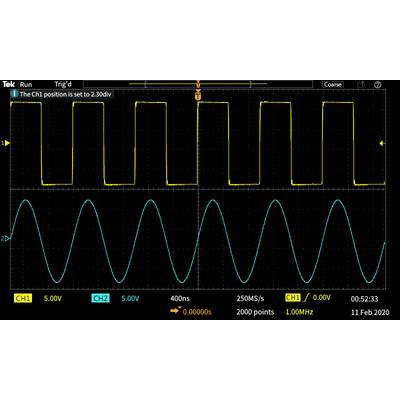
The oscilloscope of the TBS1000C series was developed for quick learning and easy operation with the correct combination of functions. Special control elements on the front enable easy access to all the important settings. With the grid with 10 vertical and 15 horizontal divisions, you can see more signals per screen.
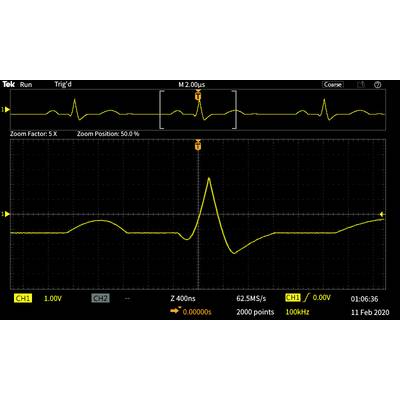
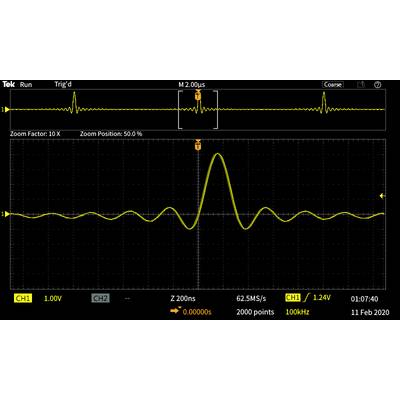
The large menus with clearly labeled and colored information on the screen make it easier to navigate and find relevant information. You can quickly search through the data set using the Zoom function and increase the signal to show the details of certain areas.
Multiple trigger and capture modes
The trigger system is designed to troubleshoot modern circuits with mixed signals. In addition to a basic edge trigger, the system also includes pulse width and runt triggering, which are particularly useful for troubleshooting the digital part of circuit designs.
Pulse width triggering is perfect for finding short-term glitches or timeout states. Runt triggers are used to detect signals with an amplitude smaller than expected.
The oscilloscope of the series TBS1000C has several recording modes. The default acquisition mode is the sampling mode that is suitable for most applications. Peak acquisition mode is useful for tracking signal peaks, and mean mode can help reduce noise from repetitive signals.
Automatic measurements and analysis
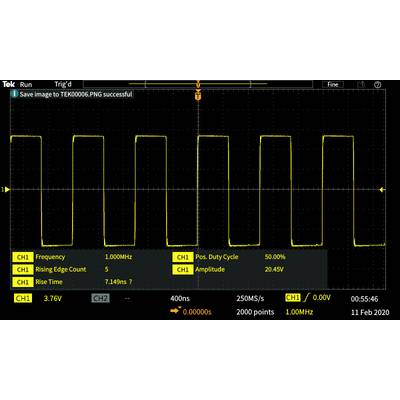
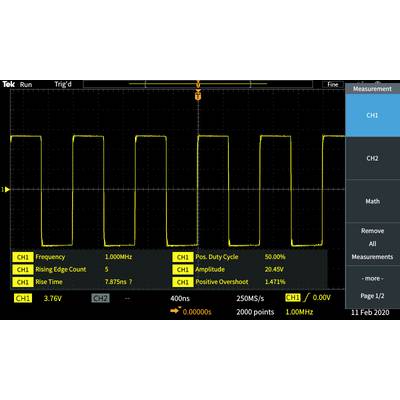
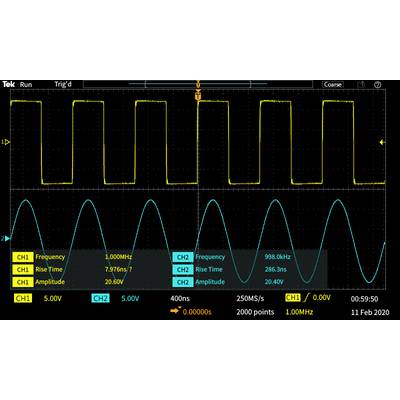
An extensive range of automatic measurements allows for quick and convenient verification of a variety of signal conditions in different applications. The measurements are displayed on a single screen. They are divided into four categories: Frequency, time, amplitude and area.
All measurements are displayed on a screen for selecting measurement results, from which you can select from 32 automatic measurements instead of having to click through numerous menus.
The measurements are color-coded from the source and presented on a transparent background so that the signals are not covered by the measurement indicators.
FFT function
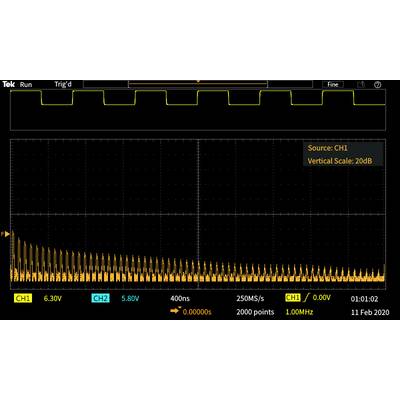
You can obtain clarity about the frequencies contained in the signals by calling up the FFT function with the FFT button on the front side.
You can only display the FFT or switch on the display of the source signal, to be able to view both the frequency and the signal in the time range. A transparent display represents important settings without blocking the FFT display.
HelpEverywhere®
The HelpEverywhere® system provides help text with illustrations that explain the different settings so that new users can more easily determine what measurements they should use and how measurement results should be interpreted.
The help language corresponds to the respective user interface.
Innovative new training solutions
The TBS1000C series oscilloscope offers several functions that allow the teacher to spend more time teaching basic concepts. The "Oscilloscopes - Introduction" manual is integrated into the TBS1000C help system. By pressing the help button on the front, you get access to information about the basic functions of the oscilloscope as well as an overview of the oscilloscope TBS1000C, the control elements as well as some tips for using the oscilloscope.
Functions such as auto setup, cursor, and automatic measurements can be disabled on the devices. By disabling functions, learners can learn basic concepts and understand how the horizontal and vertical controls are used to capture the signal, how the grid works to measure time and voltage, and how the signal properties are displayed/calculated manually.
The integrated course documentation function allows lecturers to load lab exercises into the device so that instructors have instructions available at each station. In addition, this feature provides a structured framework within which students can collect data to include in their reports. Over 100 sample lab exercises are available for download in the Tektronix Courseware Resource Center.
Flexible data transfer
The USB host port on the front side of the device makes it easy to save device settings, screenshots and curve data on a USB stick.
TecScope
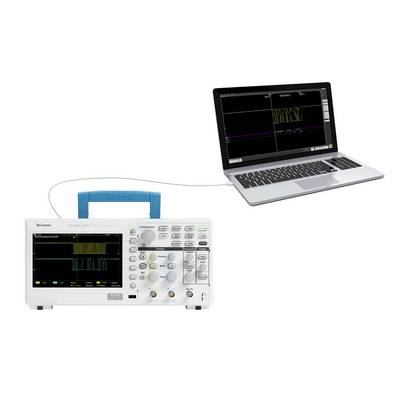
The TekScope software extends the capabilities of your device by simply transferring data directly from your oscilloscope to your PC for offline analysis. The remote-controlled analysis functions for laboratory oscilloscopes enable you to use the most frequently used buses (I2C, SPI, CAN, CAN-FD, LIN, in a user environment very similar to our high-performance devices. and UART) perform protocol decoding, gain advanced analysis capabilities for unlimited measurements, trends, histograms, search and mark, and can perform offline signal analysis.
PC-Connection
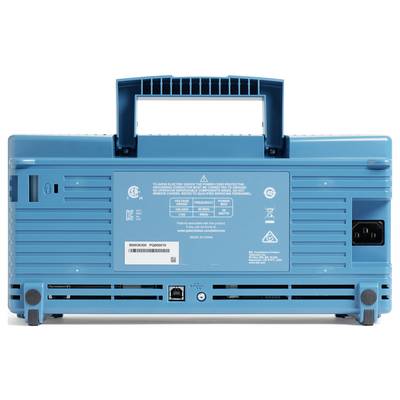
After connecting a PC via the USB interface on the back of the device, measurements can be easily captured, stored and analyzed using the OpenChoice® PC communications software (available on the Tektronix website). Simply drag screen content and signal data into the standalone desktop application or directly into Microsoft Word and Excel.
Kick start
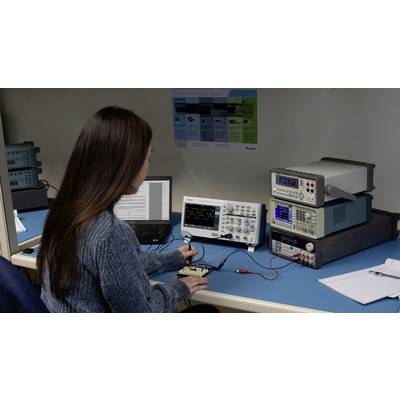
Kickstart provides laboratory control, automated data acquisition, and the ability to record measurements from various devices in the laboratory. The collected data can be displayed graphically for further insight or exported in different formats for further analysis. The software supports oscilloscopes, Digital Multi Meters (DMM), power supplies and Source Measure Units (SMU).
This text is machine translated.