Highlights & Details
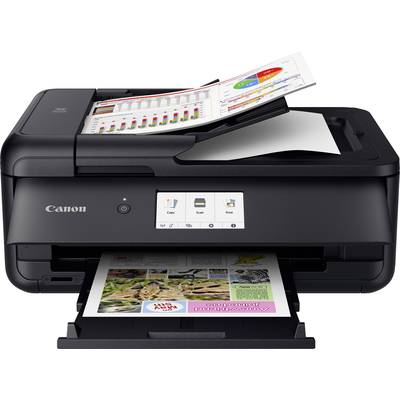
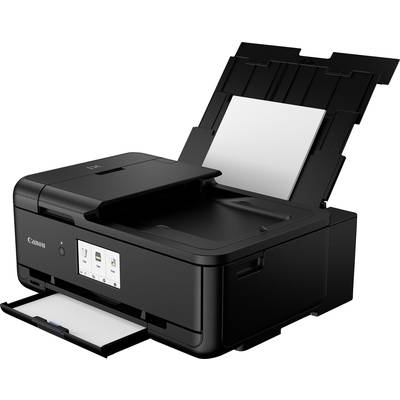
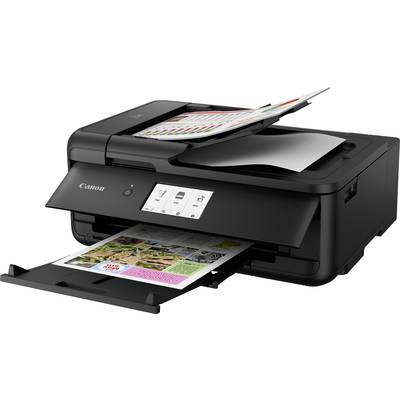
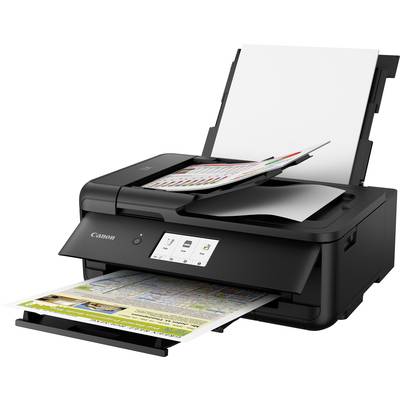
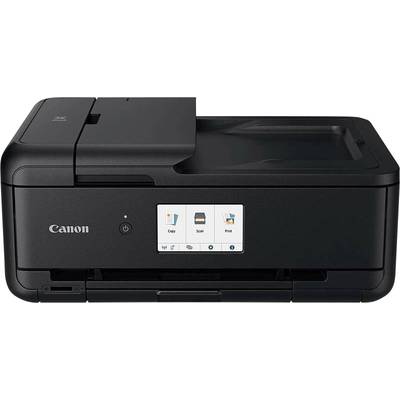
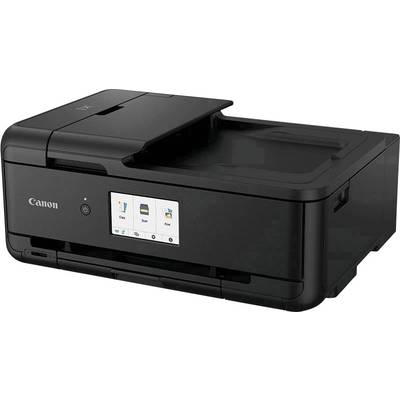
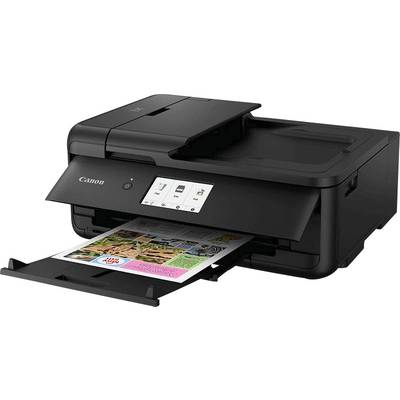
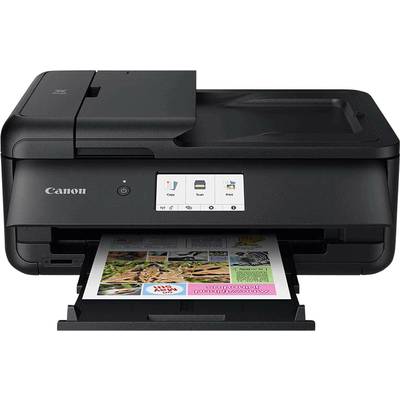
Canon PIXMA TS9550 multifunctional ink printers with WLAN, black
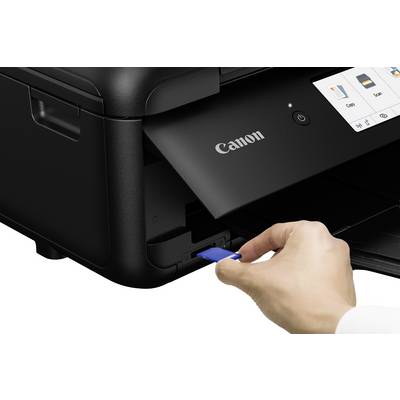
- 3 in 1 - printer, scanner, copier
- Borderless printing up to A3 format
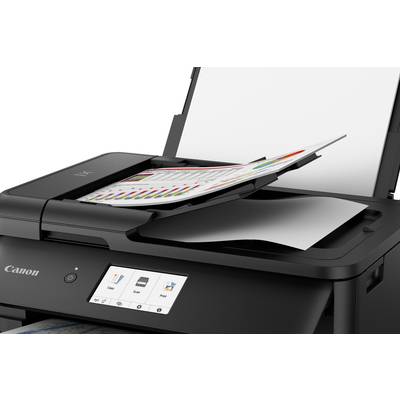
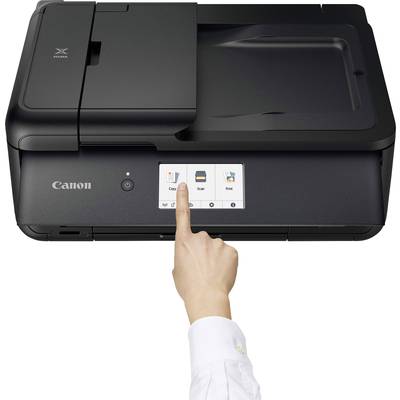
- 10.8 cm Touchscreen- Colour display
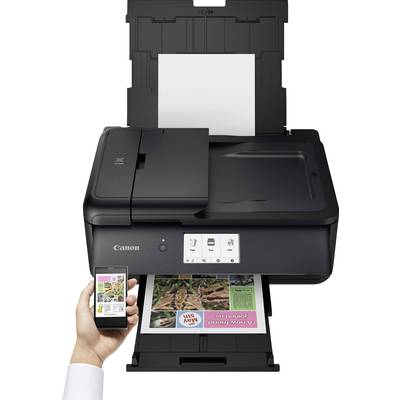
- Wireless printing from a wide range of smartphones and tablets
- Direct printing from Apple devices via Apple AirPrint™
- Costs and save time with double-sided printing up to DIN A4
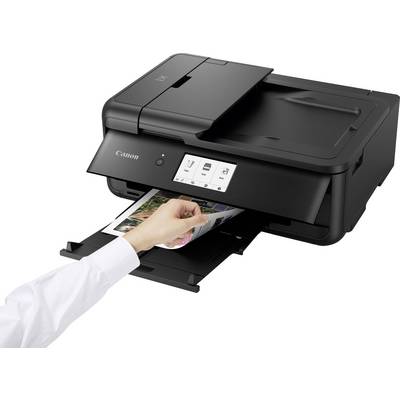
- 2 paper feeds for up to 2 x 100 sheets
- Convenient document feeder for up to 20 pages (DIN A4)
- Optional XL cartridges enable a savings factor and more range for higher-volume printing
Technical specifications
- Product type
Multifunction printer
- Functions
Printer, scanner, copier
- Print resolution
4800 x 1200 dpi
- Print speed (black/white)
15.0 pages/min
- Print speed (colour)
10.0 pages/min
- Paper size (max.)
A3
- No. of feeders
2
- Paper volume
100 + 100 / 100 sheets + 20 sheets of photo paper
- Paper load (tray 1)
100 Sheet
- Paper load (tray 2)
100 Sheet
- Scan resolution
2400 x 4800 dpi
- Scan area/width (max.)
216 x 297 mm
- Document feed
20 Sheet
- Interfaces
USB
Wi-Fi 4 (IEEE 802.11 n/g/b/a)
Bluetooth
- Display
10.8 cm Touchscreen- Colour display
- Features
AirPrint-compatible
Wi-Fi-compatible
Network-enabled
Memory card reader
Duplex printing
Borderless printing
CD/DVD/Blu-ray Direct Print
ADF
Individual tanks
Large format printing
Show more
- Supported memory cards
SD
SDHC
SDXC
- Related consumables
Standard inks:
PGI-580PGBK (pigment black)
CLI -581 BK (black)
CLI -581 C (Cyan)
CLI -581 M (magenta)
CLI -581 Y (yellow)
XL-ink:
PGI-580PGBK XL (pigment black)
CLI -581 BK XL (black)
CLI -581 C XL (Cyan)
CLI -581 M XL (magenta)
CLI -581 Y XL (yellow)
XXL ink:
PGI-580PGBK XXL (pigment black)
CLI -581 BK XXL (black)
CLI -581 C XXL (Cyan)
CLI -581 M XXL (magenta)
CLI -581 Y XXL (yellow)
- Type
Colour
- Width
450 mm
- Height
193 mm
- Depth
366 mm
- Dim
(W x H x D) 450 x 193 x 366 mm
- Factory colour
Black
- Weight
9.7 kg
- Printing technology
Inkjet
- Print from CD/DVD
Yes
- Print from memory card
Yes
- Duplex unit
Yes
- Single tank
Yes
- Fax mode
No
- Print from camera
Yes
- Network
Yes
- Document feeder
Yes
- Wi-Fi
Yes
- Suitable for
Text document printing (colour)
Text document printing (B/W)
High-quality photo printing
- No. of USB A 2.0 ports
1 x
- Touchscreen (display)
Yes
- Power consumption (off)
0.3 W
- Power consumption (standby)
2 W
Documents & Downloads
User & Safety Instructions
User & Safety Instructions 1763824 Canon PIXMA TS9550 Multifunction printer Inkjet Colour A3 Printer, scanner, copier LAN, Wi-Fi, Bluetooth, Duplex, ADF
Description
With the option to print in the format DIN A3, intelligent pressure from the cloud and a wide range of connectivity, the PIXMA TS9550 professional precision. Together with the 20-page ADF and functions for printing brochures, it is the perfect business tool.
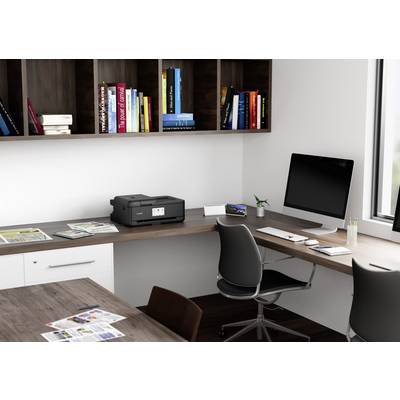
Compact A3-solution
Simple operation, automatic two-sided printing * and a 3-production in a compact model with a 10.8 cm (4.3 inch) large touch-screen. (* Only A 5/A 4/LTR on normal paper)
Smart and well connected
Print, scan, copy with the Canon PRINT app, or print via AirPrint (iOS) and Mopria (Android). In addition, the device offers a LAN connection and Wi-Fi Direct for cable-free operation without internet.
Cloud connectivity
Printing and scanning in the cloud (e.g. OneDrive Google Drive, and evernote) is connected to directly access via PIXMA Cloud link * in the Canon PRINT app is easy. (* Scan-to-Cloud and Scan to E-Mail is only for use of original Canon inks available)
Good for business
With the PIXMA TS 9540 can be brochures create or with the copy function for larger sizes A3-scan templates, and multi-tasking is thanks to the two paper feeds and the 20-page ADF ** no problem. (** Only in the formats A4/LTR/LGL)
Professional production
You special pigment black ink provides for reliable professional looking documents with crisp, sharp text. Optional XL and XXL ink reduce the costs per page and extend the intervals between the ink.
This text is machine translated.
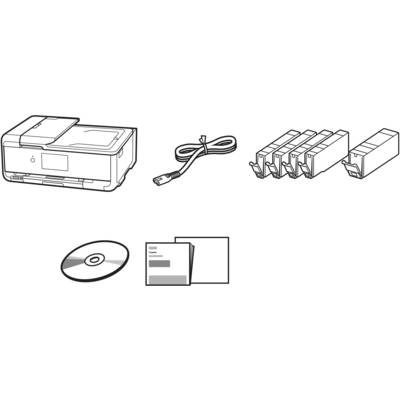
Scope of delivery
- A 3-ink-jet multi-function system-PIXMA TS9550
- Setup ink tanks
- Power Cables
- Setup CD-ROM
- Short instructions and other documentation